
CertifyFIRE documents
Fire risk assessment reports with findings the reader can follow.
Turn assessment information into a structured customer report. CertifyFIRE brings premises details, findings and action information into professional documents for fire assessors and specialist businesses.
Make the scope and premises clear first.
A useful assessment report identifies the premises and the context of the work. The reader should be able to distinguish the assessment information from the actions that need attention.
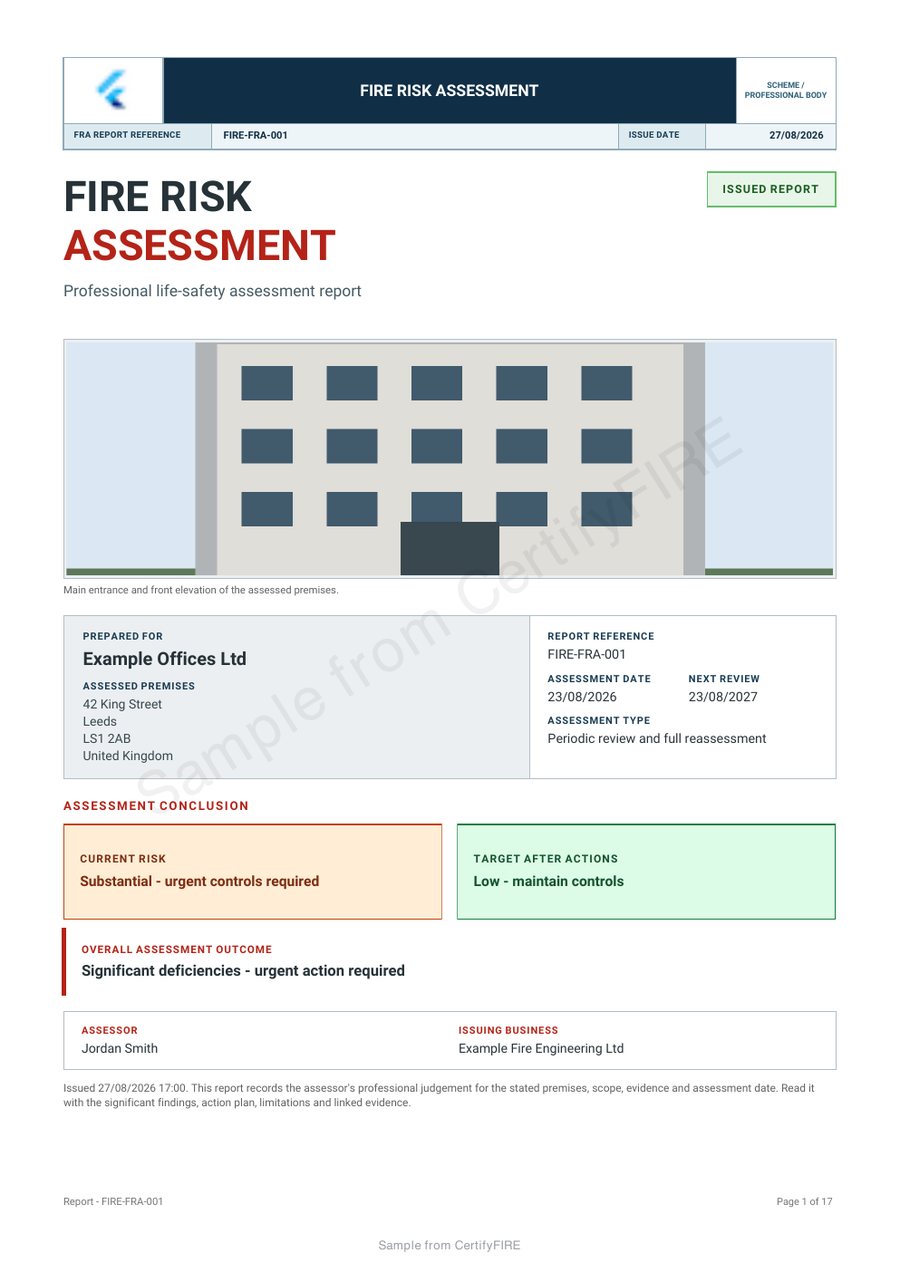
Open the complete CertifyFIRE sample to see the opening status, premises details and action sections. Its example scenario shows the document structure; it is not an assessment of your customer’s premises.
Inspect the complete CertifyFIRE sample
See the app-generated fire risk assessment with example company branding and a sample watermark. Open every page to review the tables and document detail.
Give findings enough context to be useful.
Longer descriptions and supporting references need to remain understandable in the final PDF. During evaluation, review a detailed finding and follow it into the relevant action information instead of judging only the summary page.
A report can record an action without proving that it has been completed. Make the status and any follow-up evidence clear in the actual work you issue.
A professional report, with your business identity.
The sample demonstrates a coloured report layout and example company branding. Review logos, contact details, tables and sign-off at a useful reading size. Customisation options depend on the selected document and plan.
For product fit, explore CertifyFIRE or the fire professional page. Fire alarm system documents have a separate route through CertifyAlarm.
Before you choose
Does the software carry out a fire risk assessment for me?
No. A competent professional must carry out the work and take responsibility for the assessment, findings and conclusions. The app supports documentation.
Is the sample the complete report?
Yes. The linked sample page provides the full watermarked PDF so you can inspect detailed pages as well as the opening summary.
Does the customer need the app to read the report?
No. The customer can receive and retain the completed PDF without a CertifyFIRE subscription.
Find the right plan for your work.
Review CertifyFIRE plans or ask about a specific document or setup. Free starter access is an evaluation route; included features and limits depend on the selected app and plan.
Start with your trade app
CertifyFIRE
Direct link coming soon
Need access or plan information now? Request help from the team.