
CertifyLIGHT for your trade
Report Software for Emergency Lighting Engineers
Keep emergency lighting inspection details and test schedules together. CertifyLIGHT helps engineers and maintenance contractors present the work in a professional document for the customer or building manager.
Keep locations, schedules and findings connected.
Emergency lighting work can involve many locations and repeated entries. Clear references help the person reading the report connect a finding with the part of the installation it describes.
The software you choose should suit the documents your business actually issues. Review the schedule pages and completion detail, then confirm the document types available for your intended work.
An inspection across several areas of a building
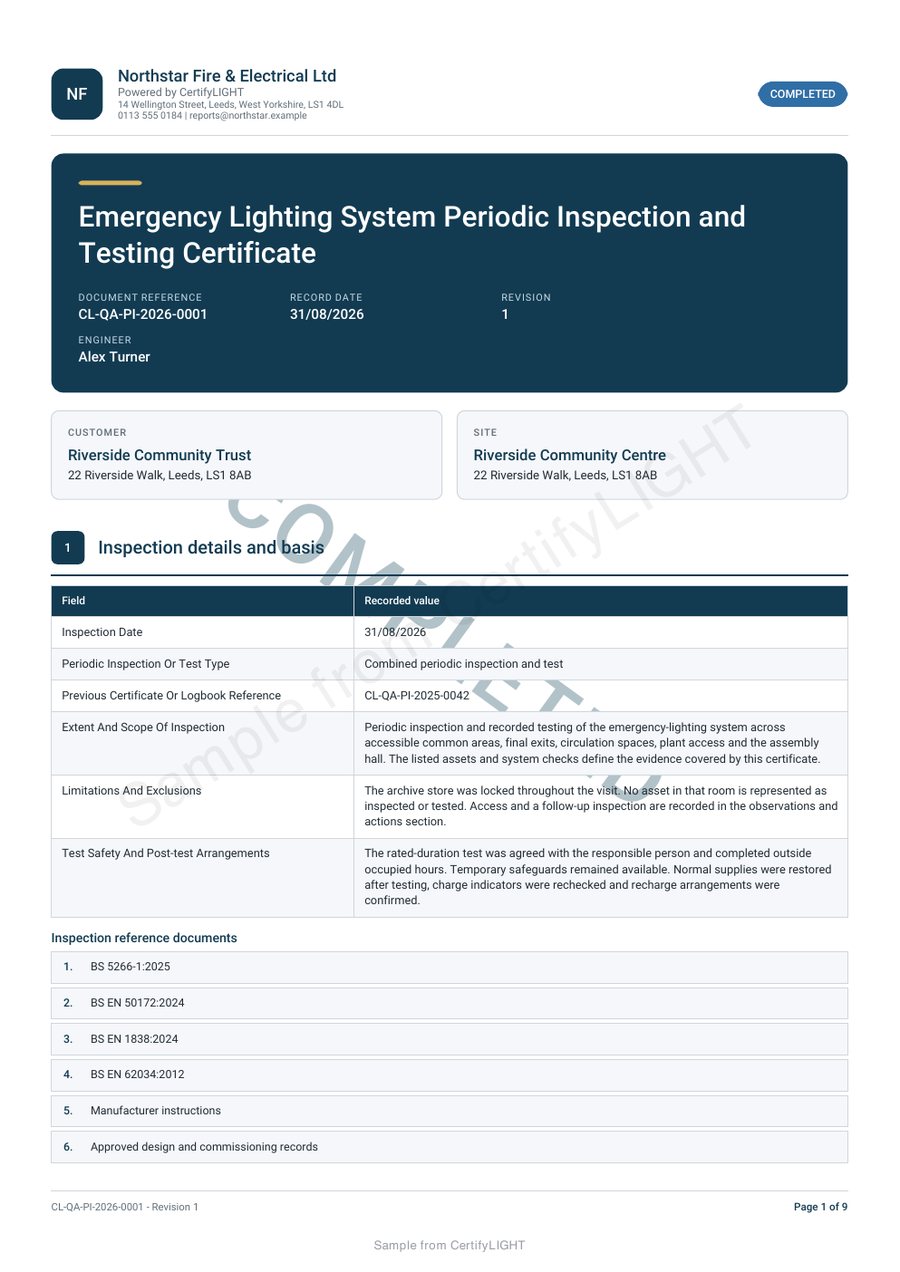
Open the CertifyLIGHT periodic inspection and testing sample. It shows site information, inspection tables, schedules, completion status and engineer sign-off. Use the complete PDF to assess readability; a thumbnail cannot show the detail in the tables.
Three things to check before you choose
- Confirm the inspection, testing or completion record required for your service.
- Try representative locations and descriptions so you can judge the schedule layout.
- Check how findings, completion information and your company branding appear in the exported document.
Make the finished document part of your business.
Your business logo, colours and contact details help the customer recognise who carried out the work. Check the available branding controls for your chosen document and plan, including any scheme marks you are entitled to display.
Read the guide to branded certificates and reports.
For a wider rollout, test a representative job first and keep the existing archive available while you evaluate the new workflow. See options for trade teams or plan your move from another system.
Before you choose
Is CertifyLIGHT the same as the fire alarm app?
No. CertifyLIGHT is the emergency lighting app. CertifyAlarm has its own fire alarm documentation route and sample certificate.
Can I see the schedule pages?
Yes. The full CertifyLIGHT sample PDF includes the inspection tables and schedules, not only a cover page.
Who receives the finished record?
You can send the PDF to your customer, building manager or other agreed recipient. They do not need an app subscription to receive it.
Explore CertifyLIGHT
App and document information · Pricing and plan details · Sample PDF
For access, document or rollout questions, email [email protected].
Start with your trade app
CertifyLIGHT
Direct link coming soon
Need access or plan information now? Request help from the team.