
Housing maintenance professionals
Consistent trade documents across housing maintenance work.
For housing organisations with their own engineers, CertifyApps provides trade-specific routes for creating certificates, reports and records. Where contractors do the work, your organisation receives their PDFs without needing to subscribe just to read them.
Define the people and documents in the pilot.
Separate the professionals creating records from the teams receiving or filing them. Count the document creators, identify their trades and list the specific forms they issue. A single organisation may need more than one app.
Include a typical property visit and a more detailed example, such as a shared-area schedule, when comparing the workflow. Review the full output with the people who will use it after the engineer leaves.
Check both property records and shared-area documentation.
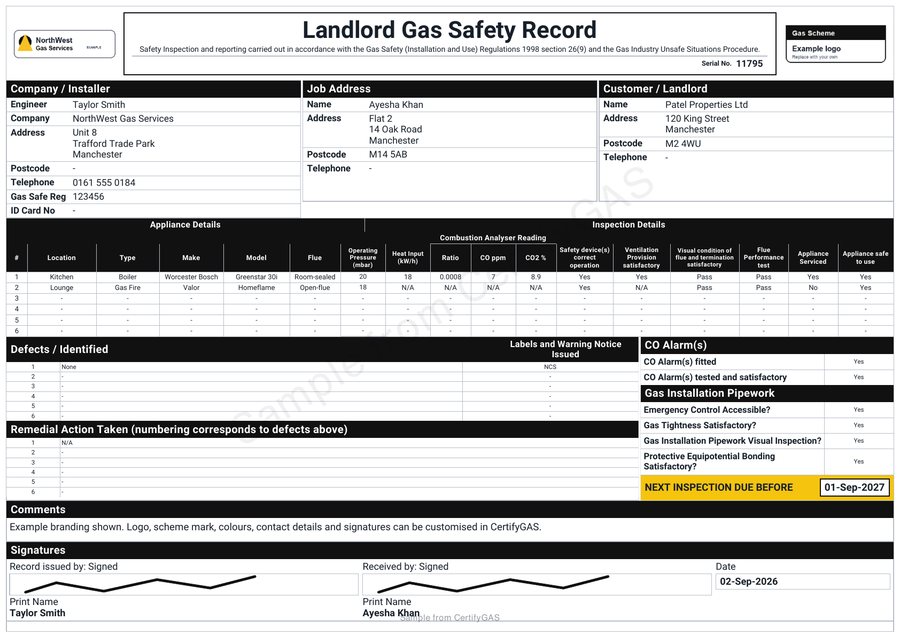
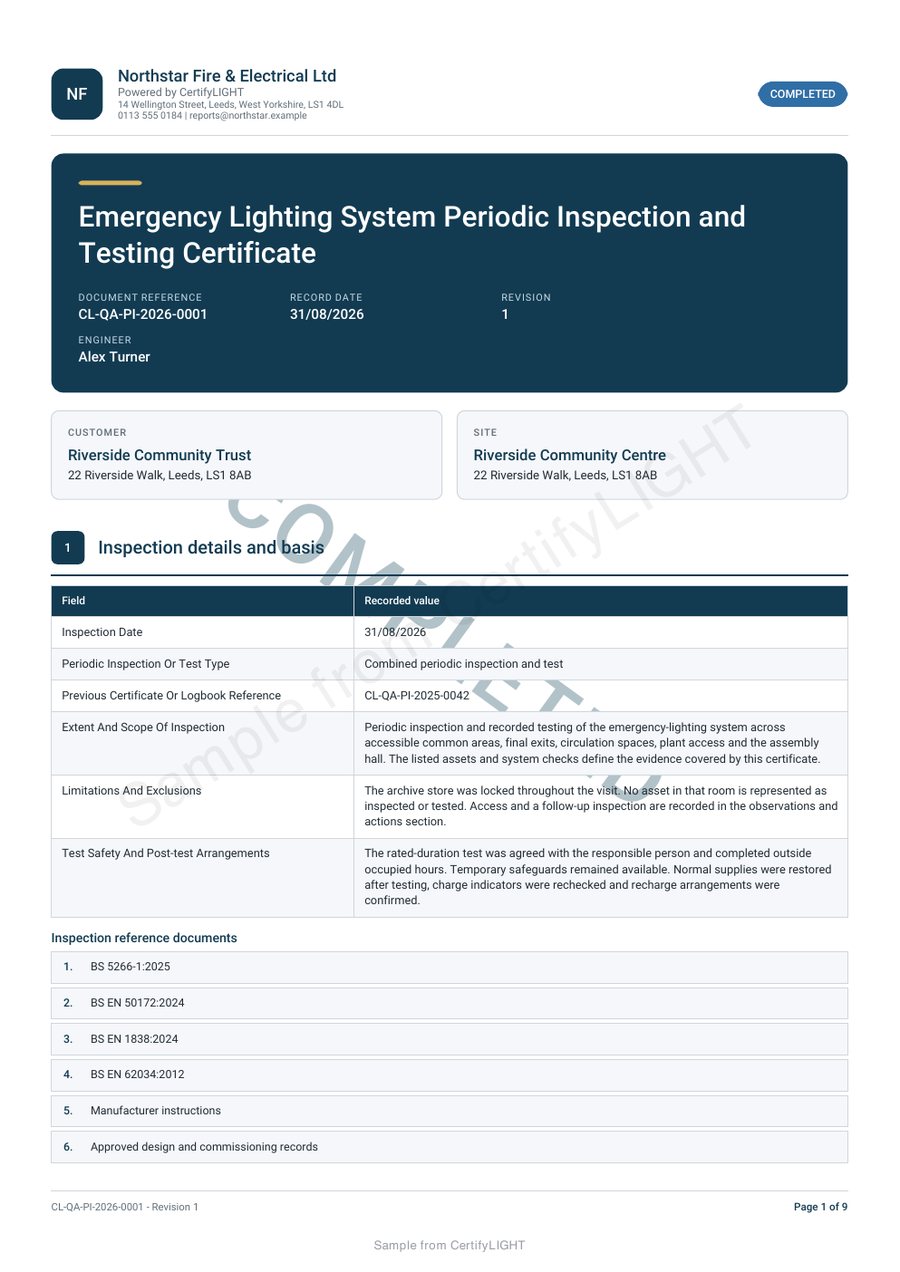
Gas and emergency lighting examples demonstrate different document structures. Select the right product and record type for each service your professionals actually deliver.
Make property references unambiguous.
A dwelling, block and communal area can require different location references. Agree how your organisation’s reference appears alongside the actual address so a record is not mistaken for work at a neighbouring unit.
Use the information necessary to identify the job. Keep unrelated resident information out of sample data and procurement demonstrations. For a real rollout, review the product-specific data questions with the team responsible for your organisation’s requirements.
Agree the document handover and review responsibilities.
Decide who checks the completed PDF, who receives it and how the issued version is retained. Review findings and follow-up information in context rather than treating receipt of a document as completion of every associated action.
Existing housing, repairs or asset systems may remain part of your process. Do not assume a direct integration, bulk import, approval workflow or shared portfolio dashboard is included. Confirm any essential requirement before committing the team.
Compare plans around a representative workflow.
Review the team guide, app plan routes and migration checklist. Keep the existing archive accessible while evaluating a small set of records.
Tell us the trades, intended users, document volumes and any system requirement that would prevent adoption. We can discuss the appropriate access and plan information without assuming one subscription covers every product.
Before you choose
Can our contractors use the apps without the housing organisation buying them?
A contractor can evaluate the appropriate app for its own work and send the completed PDF. The recipient does not need a subscription just to receive it.
Are housing-system integrations included?
Do not assume that. Name the system and required data flow so the available options can be confirmed before rollout.
Should we migrate all historical documents first?
No. Keep your existing archive accessible, test a representative workflow and confirm the supported import and export arrangements first.
Discuss your professional team and document requirements
Include the disciplines, number of document creators and any essential system or procurement requirements. Use anonymised examples rather than resident records.
This sends an enquiry to the team. It does not create an app account, start a subscription or book an inspection.
Prefer email? [email protected]