
School estates and trade contractors
Clear records from the contractor's visit to the school office.
School estates work can involve several buildings, repeated room names and large equipment lists. CertifyApps helps the professionals carrying out the work produce documents that the school can identify and retain.
Differentiate the contractor from the recipient.
An external tester or engineer creates the document for the work they carry out. The school office, site manager or estates team can receive the PDF without buying an app subscription.
If your organisation has authorised in-house professionals performing the relevant work, evaluate the app for those users. A school role or access to software does not by itself establish competence for a particular inspection or test.
Review equipment results and location-based schedules.
The PAT and emergency lighting examples show how different types of work are presented. Open every page to judge the detailed tables, not just the first-page layout.
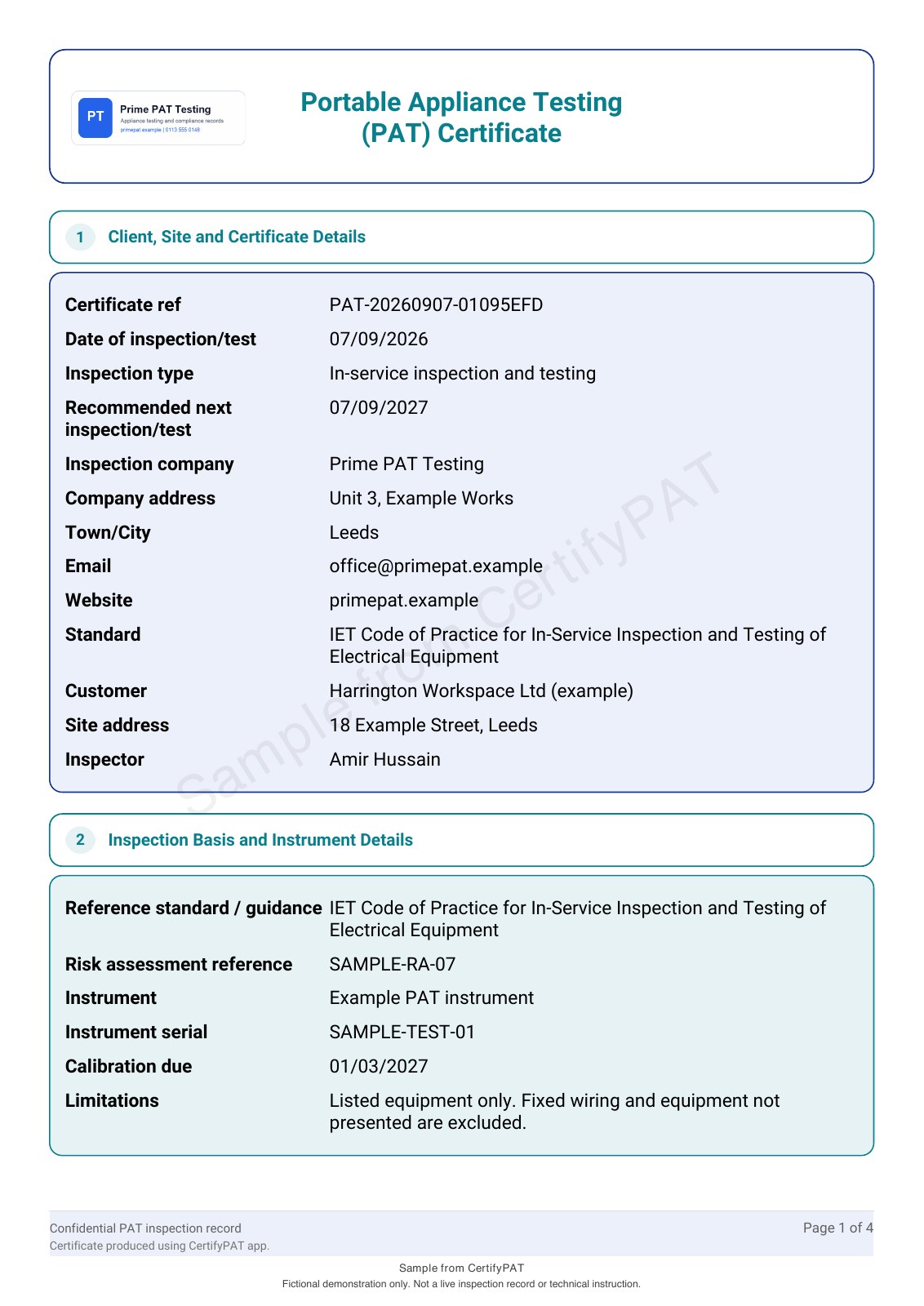
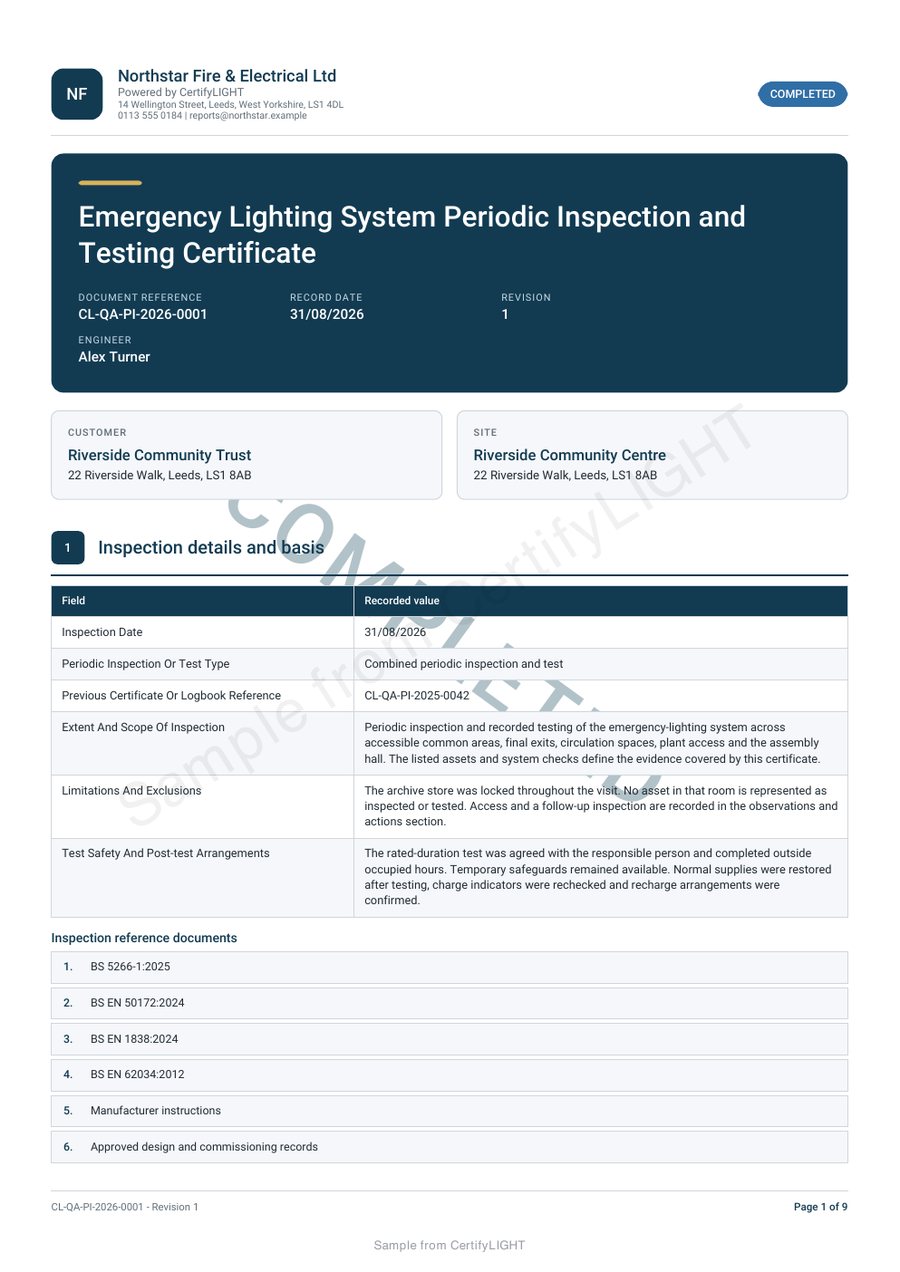
Use references that survive a change of room name.
A room may be known by a teaching group, department or building reference. Agree a consistent way to identify locations and equipment before the visit, especially where there are several blocks or similar rooms.
For appliance work, review identifiers and location descriptions in the register guide. Keep current-visit results separate from the history, and make changed or replaced equipment distinguishable.
Check the pack that will reach the estates team.
Agree the site, scope and recipient, then inspect the completed document and any schedules. Make sure the file and its references identify the correct building and work. Questions about findings should go to the professional who issued the record.
Use example data when evaluating the software. Pupil details and unrelated personal information are not needed to demonstrate a certificate or equipment schedule.
Plan the software evaluation around actual responsibilities.
For in-house work, identify the document types, professional users and devices involved. Try a representative equipment list or schedule and review the output with the person who will file it.
See the PAT workflow, lighting engineer route and team guide. Other trades have their own app and sample information; do not assume one product covers every estates task.
Before you choose
Does the school need an account to read a contractor's PDF?
No. The completed PDF can be received without a CertifyApps subscription.
Is this a school asset-management system?
CertifyApps focuses on trade documents. Confirm any wider asset-management, booking or integration requirement separately.
Can a trust evaluate the software for its own engineers?
Yes. Describe the actual work, documents and professional users so the team can discuss a suitable pilot.
Ask about software for your in-house professionals
Tell us who carries out the work, which records they create and which apps you are considering. This route is for software enquiries, not booking a contractor visit.
This sends an enquiry to the team. It does not create an app account, start a subscription or book an inspection.
Prefer email? [email protected]