
The CertifyApps family
Certificate, report and record apps for your trade.
Choose the app for the work you carry out. Compare its sample documents, then request Free starter access with your app already selected. Check the relevant device support, document allowance and branding options before subscribing.
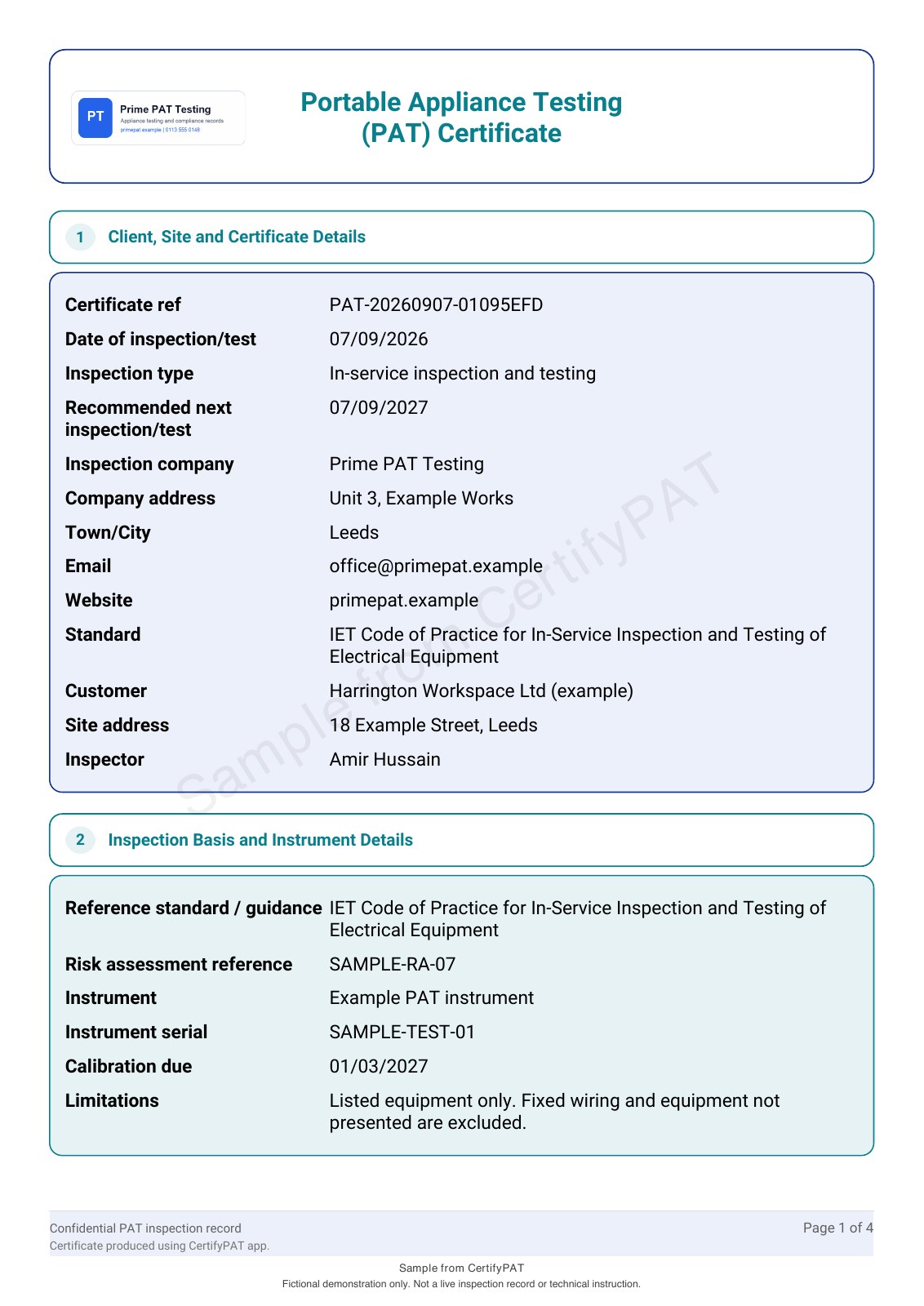
CertifyPAT
PAT certificates, appliance registers, test results, labels and retest planning.
For PAT testers, electrical contractors and in-house testing teams.
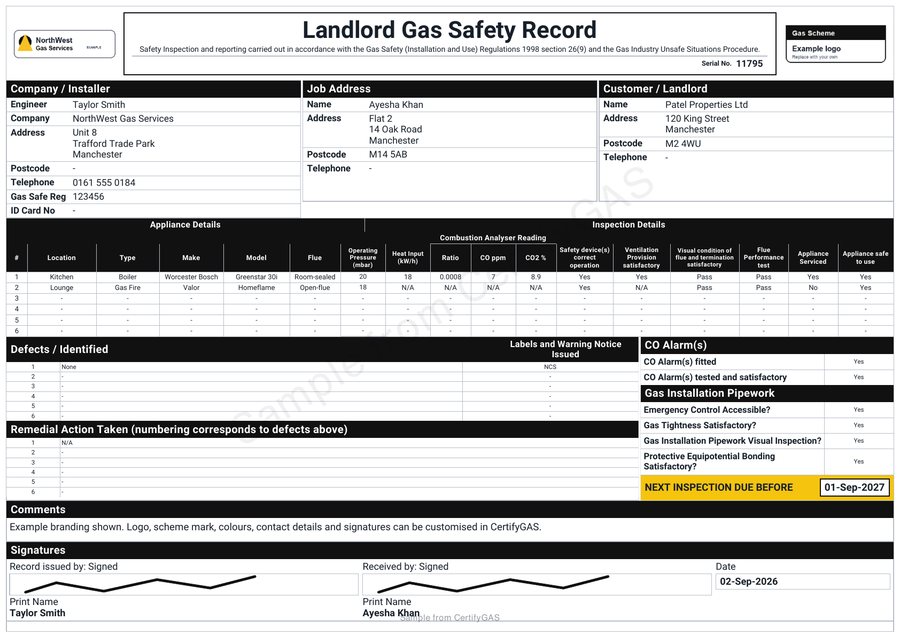
CertifyGAS
Gas safety records, servicing documentation, inspection records and warning notices.
For gas engineers and gas service businesses.
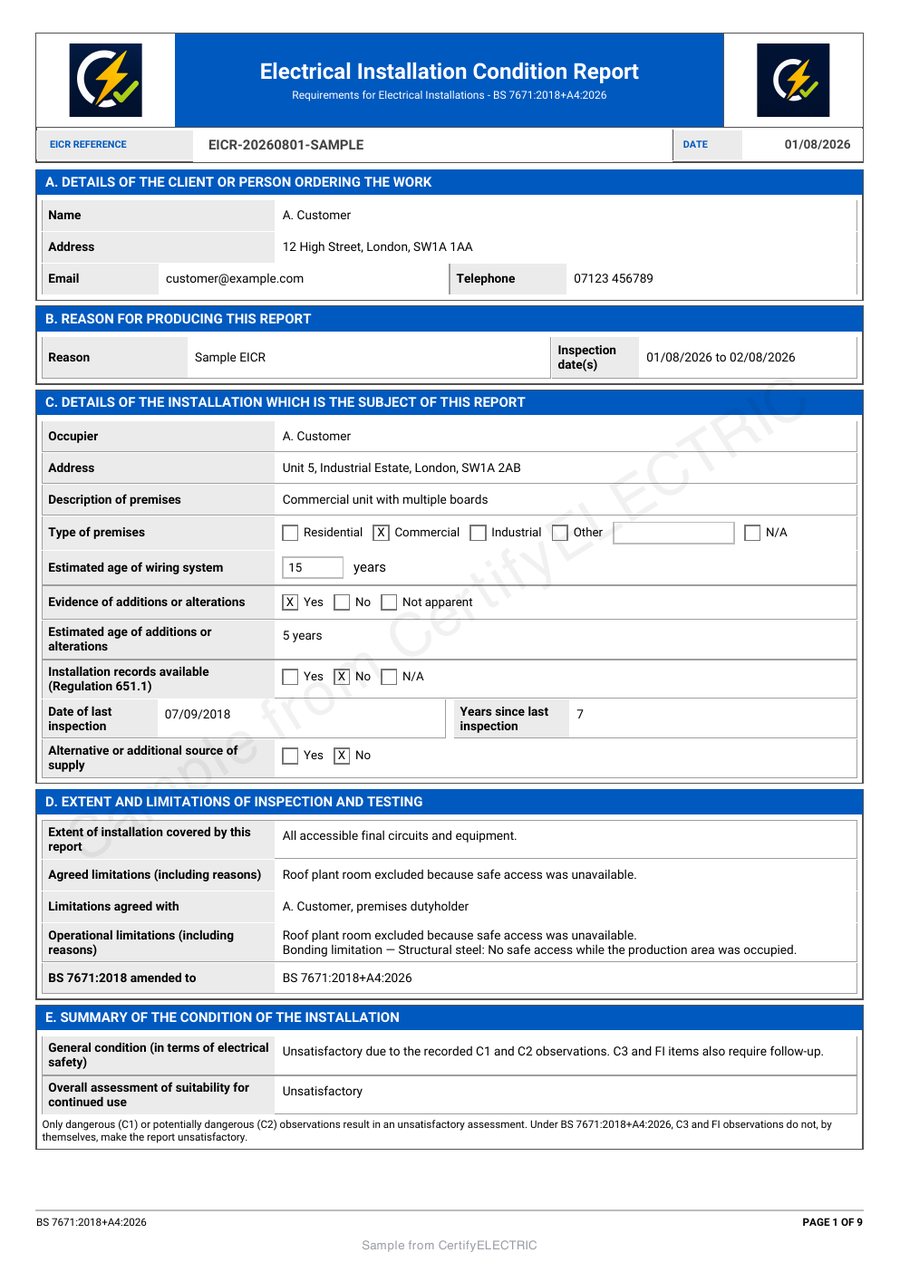
CertifyELECTRIC
Electrical certificates, EICRs, inspection findings and circuit schedules.
For electricians and electrical contracting businesses.
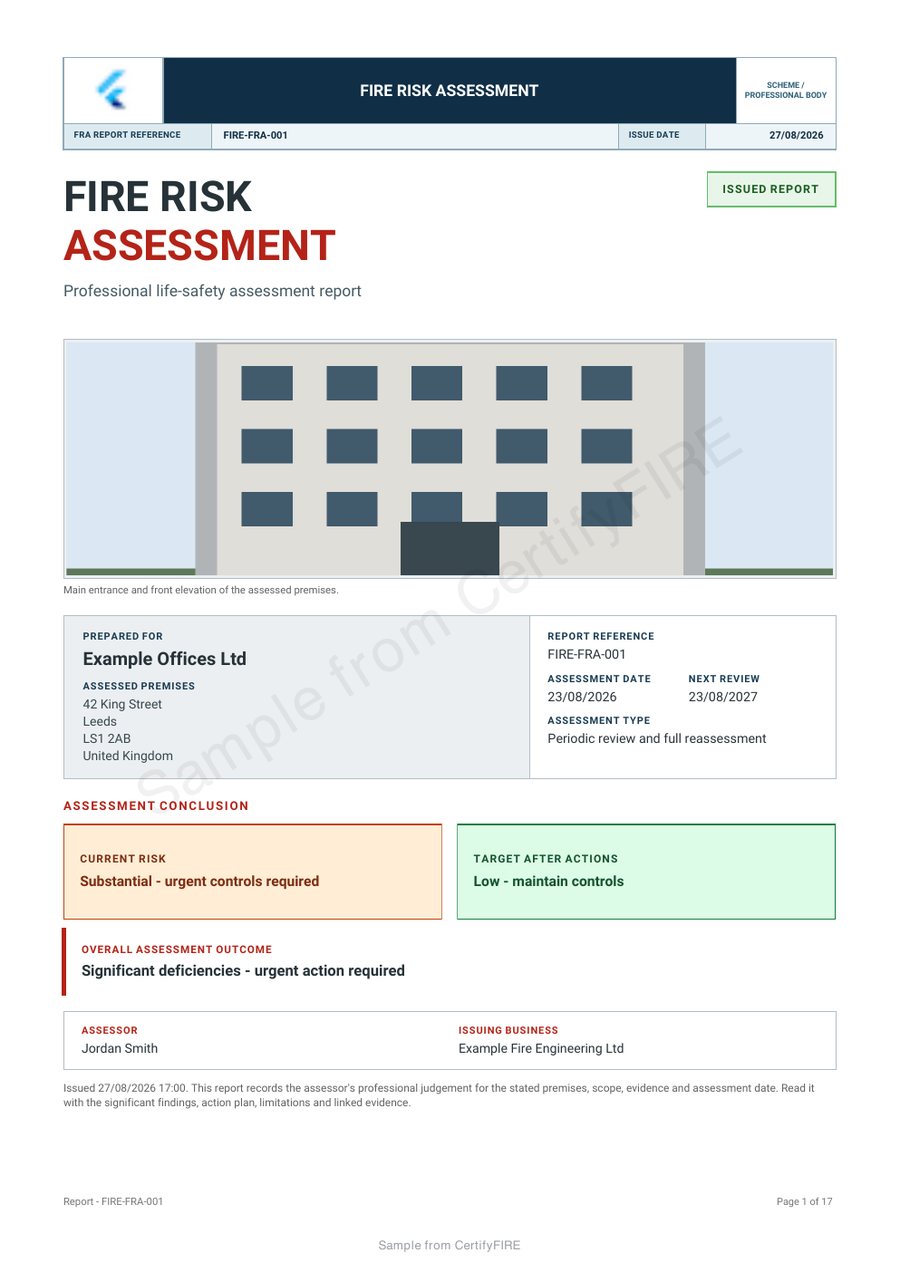
CertifyFIRE
Fire risk assessments, inspection findings and action-based reports.
For fire risk assessors, fire engineers and fire safety businesses.
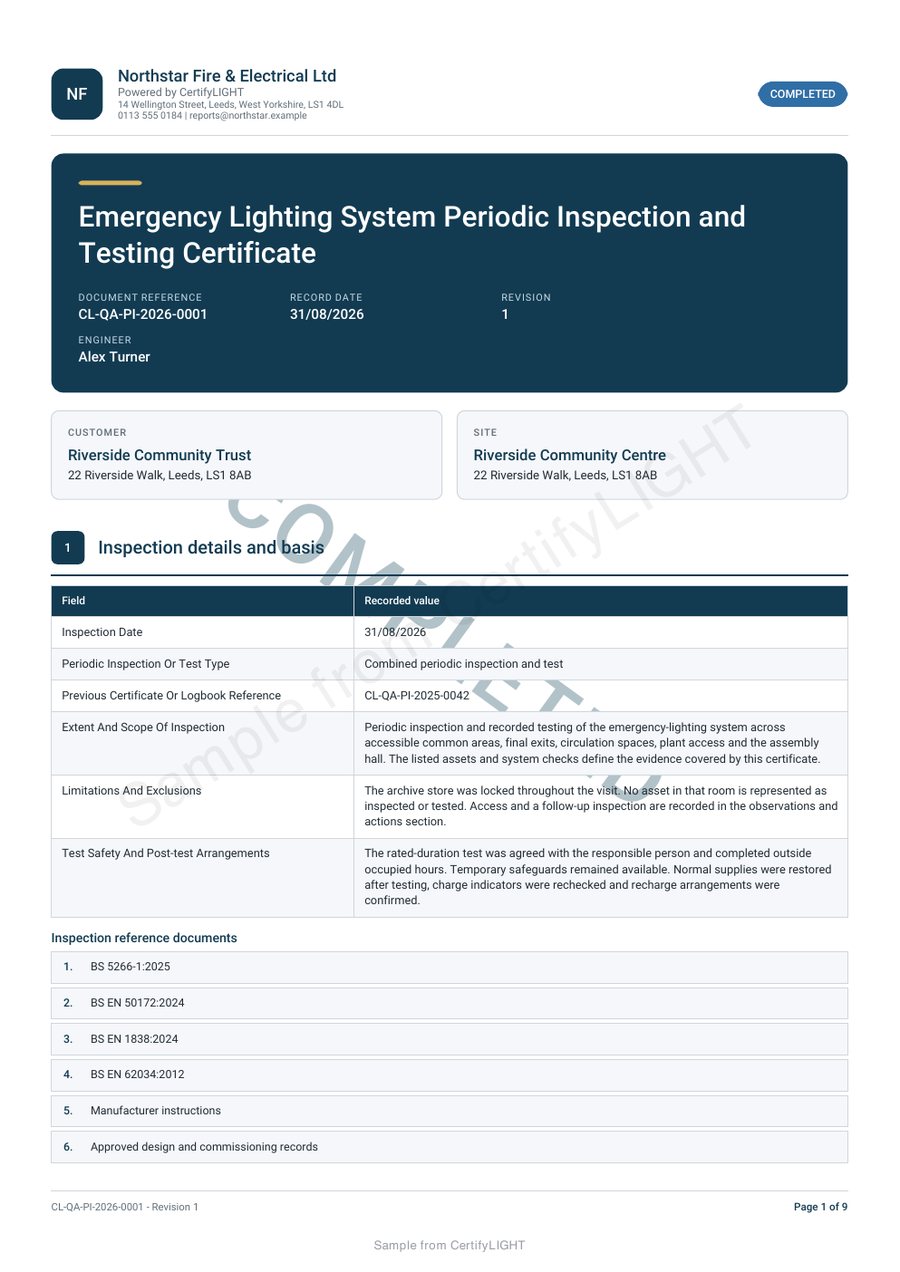
CertifyLIGHT
Emergency lighting inspection, testing and completion records.
For emergency lighting engineers and maintenance contractors.
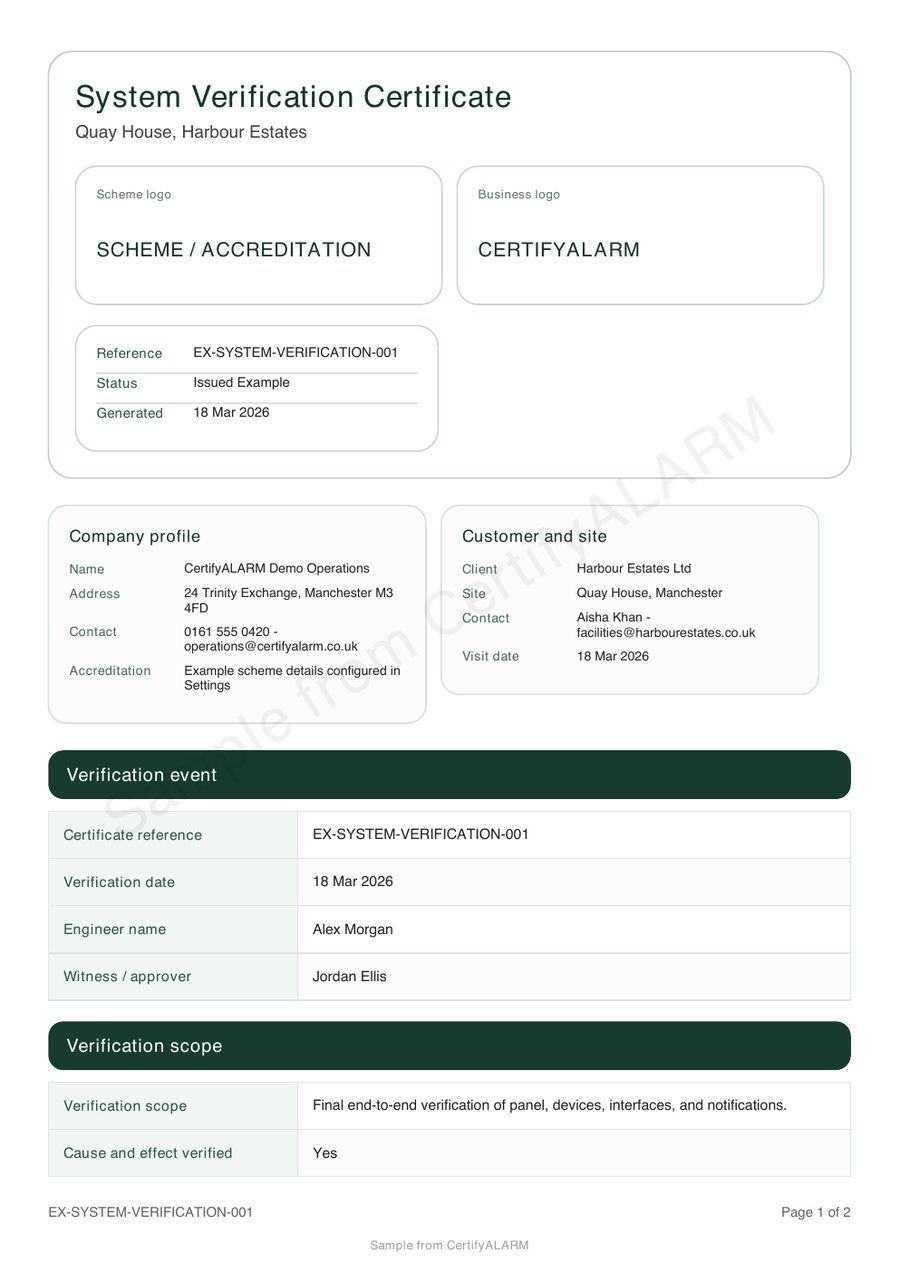
CertifyAlarm
Fire alarm verification, installation and service documentation.
For fire alarm engineers and specialist alarm contractors.
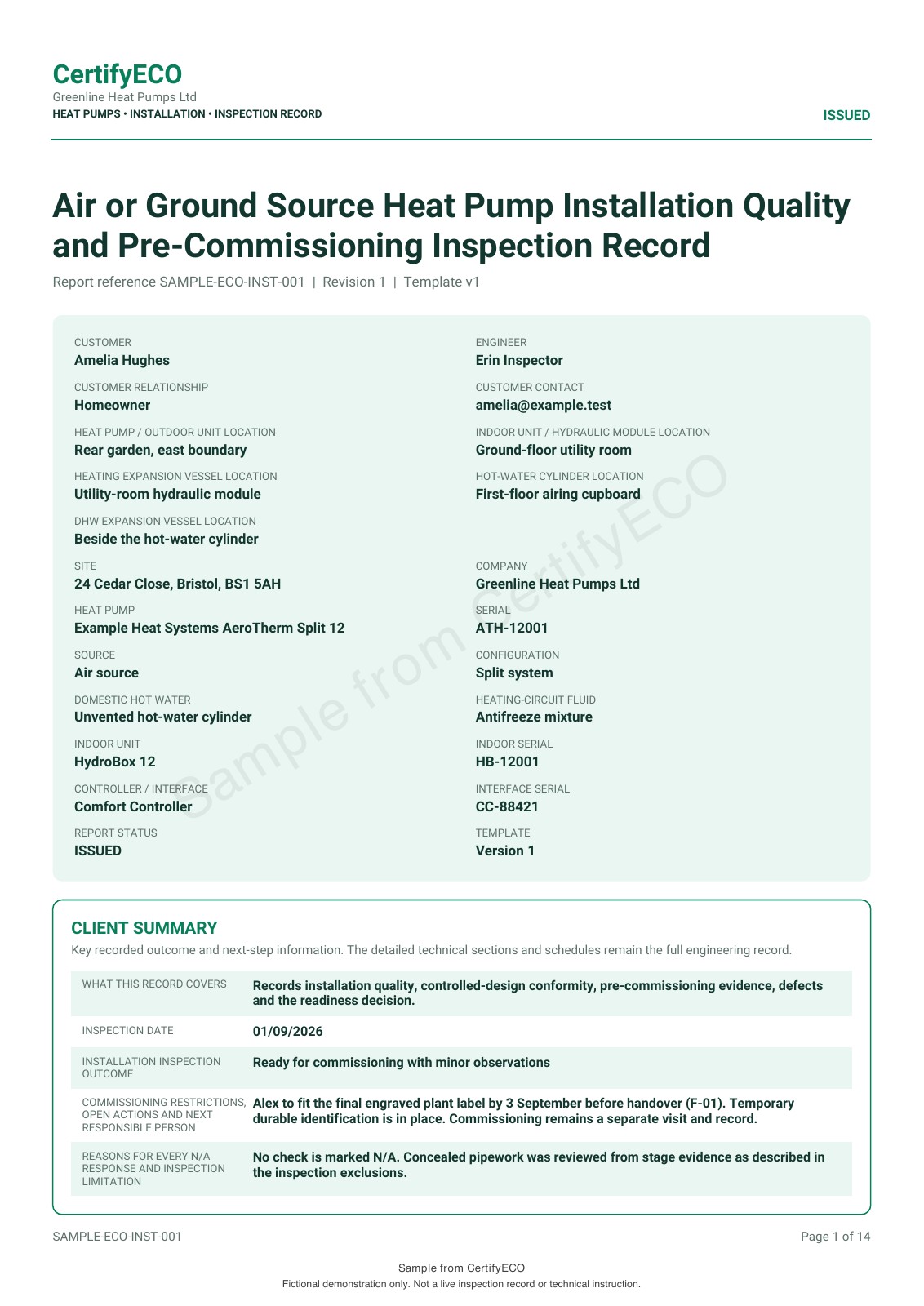
CertifyECO
Heat pump installation records with structured job and business details.
For heat pump installers and professional teams.
Your work. Your business.
Professional documents with your branding.
Show your customer who carried out the work with clear business details and a consistent document style. Choose the logo and colour options supported by your app and plan to reflect your business.
Make it yours
Personalise supported documents with your company logo and preferred colours. Use scheme or accreditation marks only where you have permission; adding a logo does not establish membership or approval.
Keep records clear
Bring customer details, checks, findings and signatures into a structured document that is easier to read and file.
Finish the paperwork
Work towards a complete record during the visit and send the finished PDF without manually laying out another document.
Branding controls and included features vary by app, document and plan. Compare logo and colour options and review the relevant plan. Watermarked samples use fictional business details and are not records for a real job.
Before you choose
Who uses CertifyApps?
Engineers, testers, installers and professional teams use the apps to create certificates, reports and records for the work they carry out.
Do my customers need an app or subscription?
No. You send the finished PDF to your customer. Landlords, letting agents and other clients can receive and keep that document without subscribing to CertifyApps.
Can I use my own logo and colours?
CertifyApps offers company-logo and document-colour options, with availability depending on the app, document and plan. Review the branding guide and relevant plan before choosing. An example logo or colour scheme in a sample PDF does not mean those options are included in every Free starter.
Is there a free starter for every app?
Yes. The Free starter offer covers CertifyPAT, CertifyGAS, CertifyELECTRIC, CertifyFIRE, CertifyLIGHT, CertifyAlarm and CertifyECO. Request access for your chosen app and confirm device availability. Usage limits and included features are specific to each app, not shared assumptions across the family.
How do I choose between the seven apps?
Start with the documents you issue for the work you carry out. Compare the app page and sample PDF, then check the exact report types, device support and plan details. For work across several trades, tell the team which documents and apps you need; do not assume one subscription covers the whole family.
What happens when I request Free starter access?
The enquiry page opens with your chosen app selected. Tell the team your device and the documents you need. Submitting that form sends an access request; it does not create an account, take a payment or start a paid subscription. The team will reply using the email address you provide.
Are custom logos and colours included in every Free starter?
Do not assume that they are. Free starter allowances and branding features vary by app, document and plan. Compare the relevant pricing information and check an export on your intended device before choosing a paid plan.
Start with your trade app
CertifyPAT
Direct link coming soonCertifyGAS
Direct link coming soonCertifyELECTRIC
Direct link coming soonCertifyFIRE
Direct link coming soonCertifyLIGHT
Direct link coming soonCertifyAlarm
Direct link coming soonCertifyECO
Direct link coming soon
Need access or plan information now? Request help from the team.