
Fire assessment report handover
Give each fire risk assessment action a clear place in the handover.
A useful action entry connects the finding to its location, the assessor's recommendation and the person managing the response. Keep the issued assessment separate from later evidence that an action has been completed.
Published by CertifyApps on . All document guides.
What does the recipient need to understand?
Someone reading the report after the visit should be able to find the issue, understand what the assessor recorded and identify the next step. Unexplained references such as ‘see photo’ or ‘sort door’ can create avoidable questions.
GOV.UK’s fire risk assessment guidance connects recording findings with planning and review. This page focuses on communicating those records. Applicable duties depend on the premises and jurisdiction; this is not an assessment method or a substitute for competent fire-safety advice.
Inspect the CertifyFIRE sample PDF.
Review the full fire risk assessment, not just its first page. The sample shows example company branding and an app-specific watermark.
Company logos and available colour controls help make your own documents recognisable. Check the options for your app, document and plan.
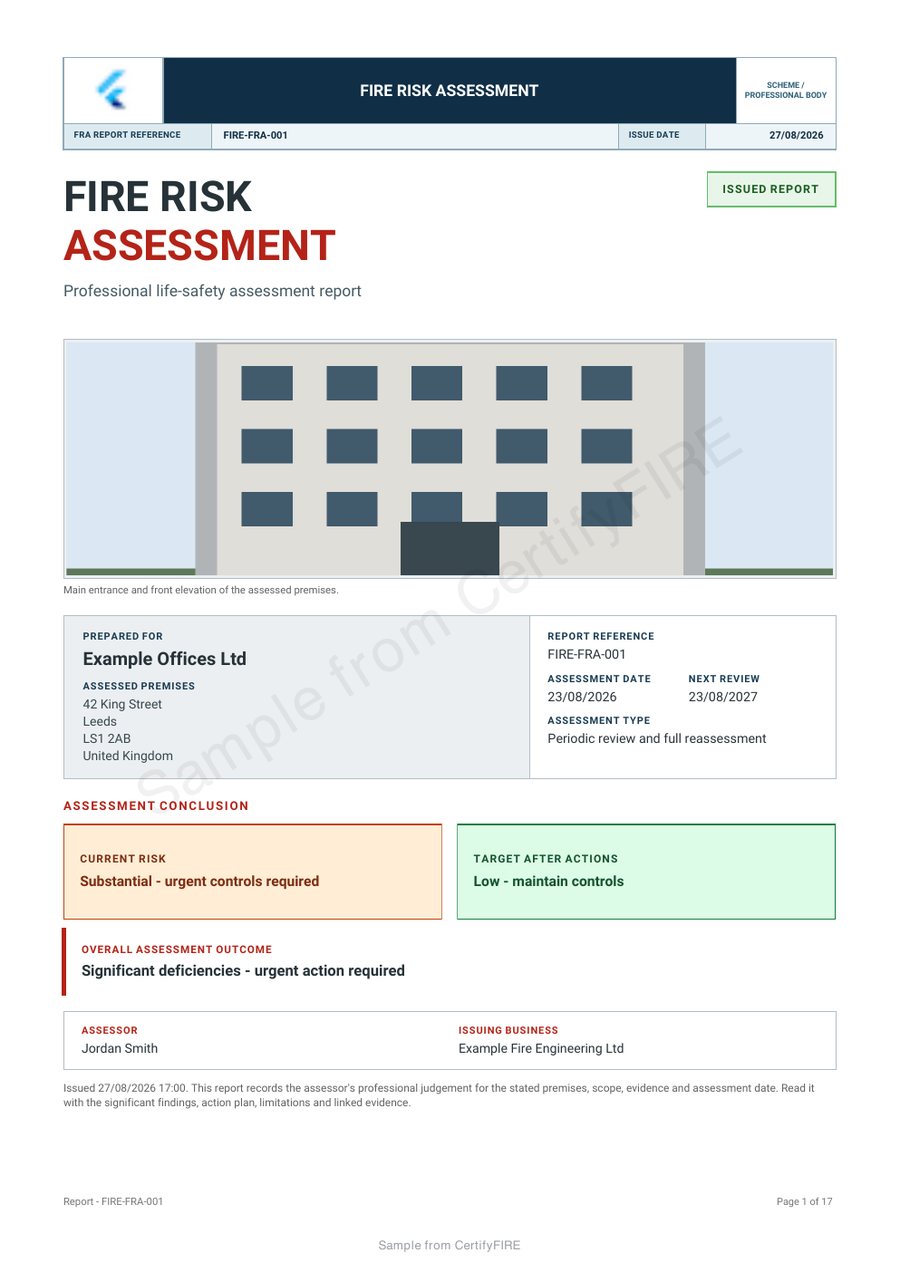
Link the action to a specific finding and location.
Give each action a reference that remains recognisable in the report and any follow-up correspondence. Identify the relevant building, floor, room or other location, using the detail appropriate to the finding.
In an example handover, Action A04, first-floor east corridor is easier to locate than an unnumbered note. The example is a filing reference only. The assessor must provide the actual finding, recommendation and justified priority or timescale.
Distinguish recommendation, ownership and completion.
- Finding: what the assessor recorded and where it applies.
- Recommended response: the actual recommendation in the assessment.
- Responsibility: who is coordinating or carrying out the agreed response.
- Priority and timing: as assessed and agreed for the actual issue, not a default inserted to complete a form.
- Follow-up evidence: what demonstrates subsequent work or review, with its date and reference.
An action list sent to a customer is not evidence that the listed work has happened. Keep that distinction clear when discussing progress.
Keep the record trail understandable.
Retain the issued assessment and identify later updates or supporting evidence through your organisation’s document process. A recipient should be able to distinguish the assessment findings from subsequent correspondence and completion records.
Before handover, check that image references match the intended photographs and that action descriptions remain readable in the PDF. Only include personal information needed for the assessment and agreed handover. For a software demonstration, use fictional premises and avoid sensitive occupant details.
Show the client a professional report, not just a list of issues.
Consistent headings, useful references and your business branding help the client navigate a detailed report. Inspect the CertifyFIRE sample to review the output. Available logo and colour controls vary by report and plan.
Explore CertifyFIRE and the assessment reporting workflow. If you need shared action tracking, permissions or another essential team function, confirm it separately on the team route; do not infer a management portal from a sample PDF.
Before you choose
Does issuing an action plan mean the work is complete?
No. The report records findings and recommendations. Subsequent work and any confirmation of completion need their own evidence.
Can software choose the priority for every action?
The priority and timing must be appropriate to the actual finding and professional assessment. Do not rely on a generic default to make that judgement.
Does the customer need a licence to read the report?
No. The customer can receive the exported PDF without subscribing to the app.
Is this guide a complete fire risk assessment checklist?
No. It is a document-handover guide, not a technical assessment method or a full statement of legal duties.
Choose the app for your professional work.
Review CertifyFIRE plans, explore free starter or ask about an essential document or device requirement. Direct registration and purchase links are not yet active on this website; the enquiry route does not start a paid subscription.
For software support, email [email protected]. For findings or safety questions about an issued record, contact the professional who carried out the work.
Start with your trade app
CertifyFIRE
Direct link coming soon
Need access or plan information now? Request help from the team.