
PAT document evaluation
What to look for in a sample PAT certificate.
A sample is useful when it shows the detail your customer will receive. Review the appliance results, the business identity and the sign-off together, not just the visual style of the first page.
Follow an appliance from the list to its result.
Check whether the identifier and description distinguish the equipment from similar items. Read the location and recorded information at a normal viewing size. On a longer document, check that headings and continuation pages keep the context clear.
A neat cover should not hide an unreadable schedule. Open the complete CertifyPAT sample PDF rather than relying on the preview image.
Review the identity and the version.
Look for the customer and site, the relevant visit information, business contact details and professional sign-off. The person receiving the record should be able to tell which job it concerns and who to contact with a question.
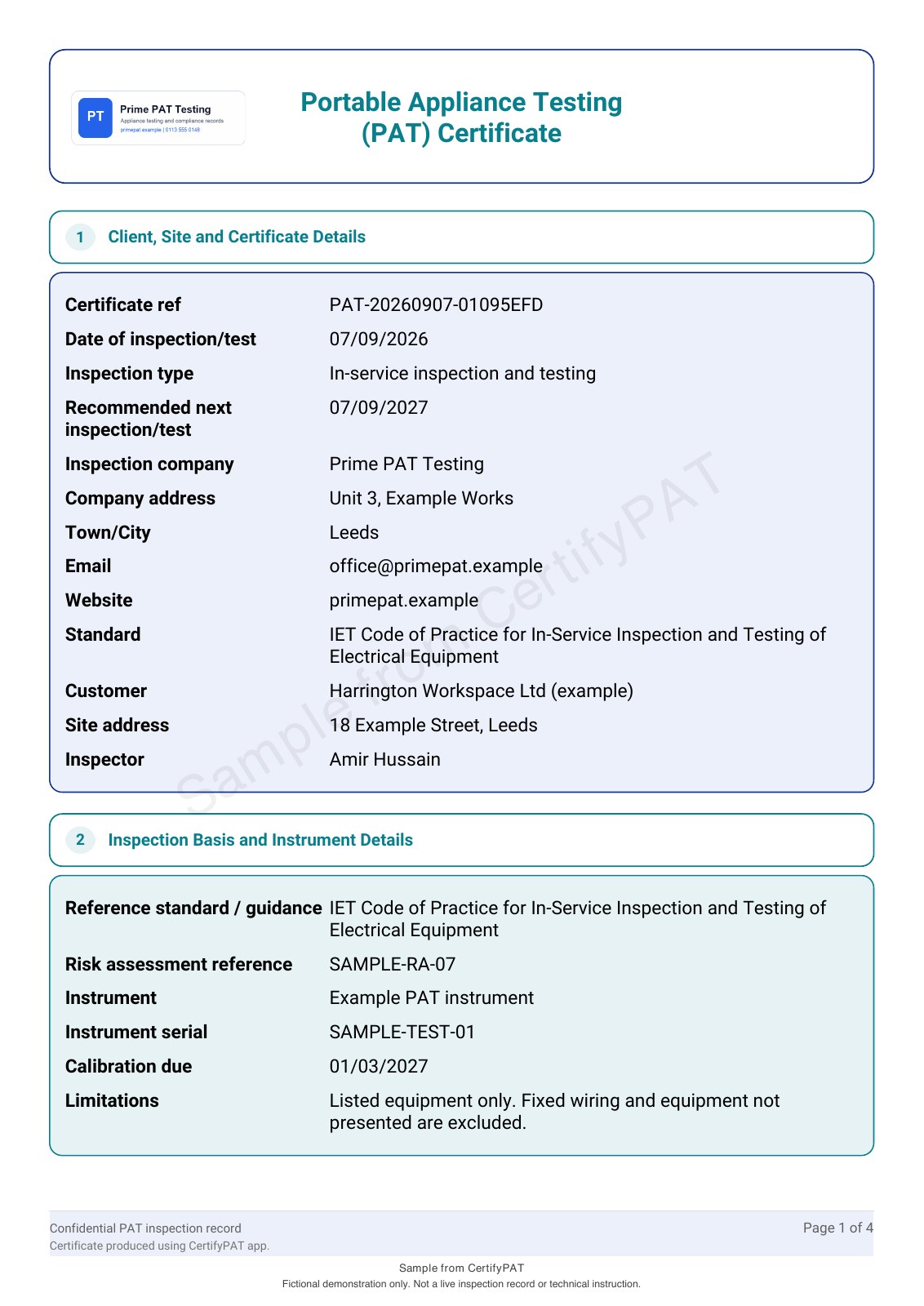
The CertifyPAT sample was regenerated on 7 September 2026 with the native PDF renderer. It uses fictional data, a company logo and paid colour settings. The watermark identifies it as a sample; it is not evidence that any real equipment has been checked.
Compare with your own typical workload.
During evaluation, use a representative number of appliances, a longer description and more than one location. Review the PDF on both a phone and a larger screen. If customers commonly print records, check the printed output too.
Custom logos and colours appear in the paid CertifyPAT plan comparison. Confirm the included features rather than assuming every visual option in a sample is available in every plan.
Move from the sample to a real evaluation.
The sample shows output quality. Your evaluation should also cover entering information, reviewing it and finding the record again. See the PAT certificate workflow and the software evaluation guide before choosing a plan.
Inspect the complete CertifyPAT sample
Inspect the four-page native PAT certificate: eight listed items, measured readings, seven passes and one visual failure, with a separate failed-equipment schedule. The example logo and colours illustrate paid branding options. Open every page, including the signature and failure report.
Find the right plan for your work.
Review CertifyPAT plans or ask about a specific document or setup. Free starter access is an evaluation route; included features and limits depend on the selected app and plan.
Start with your trade app
CertifyPAT
Direct link coming soon
Need access or plan information now? Request help from the team.