
Already using certificate software?
Make the switch when the new workflow earns its place.
If your current software already holds customers and issued records, changing it needs a clear reason. Test the parts of the workflow that matter to your business before committing to a new subscription or moving an archive.
Name the problem you want the new app to solve.
Be specific: repeated entry, difficult schedules, inconsistent company branding, unclear handover or a team arrangement that no longer fits. Choose the one or two problems that would justify the change.
Keep useful parts of your existing process in the comparison. A switch should be based on a demonstrated improvement for your work, not simply a different interface or a promise about future features.
Start with evidence you can inspect now.
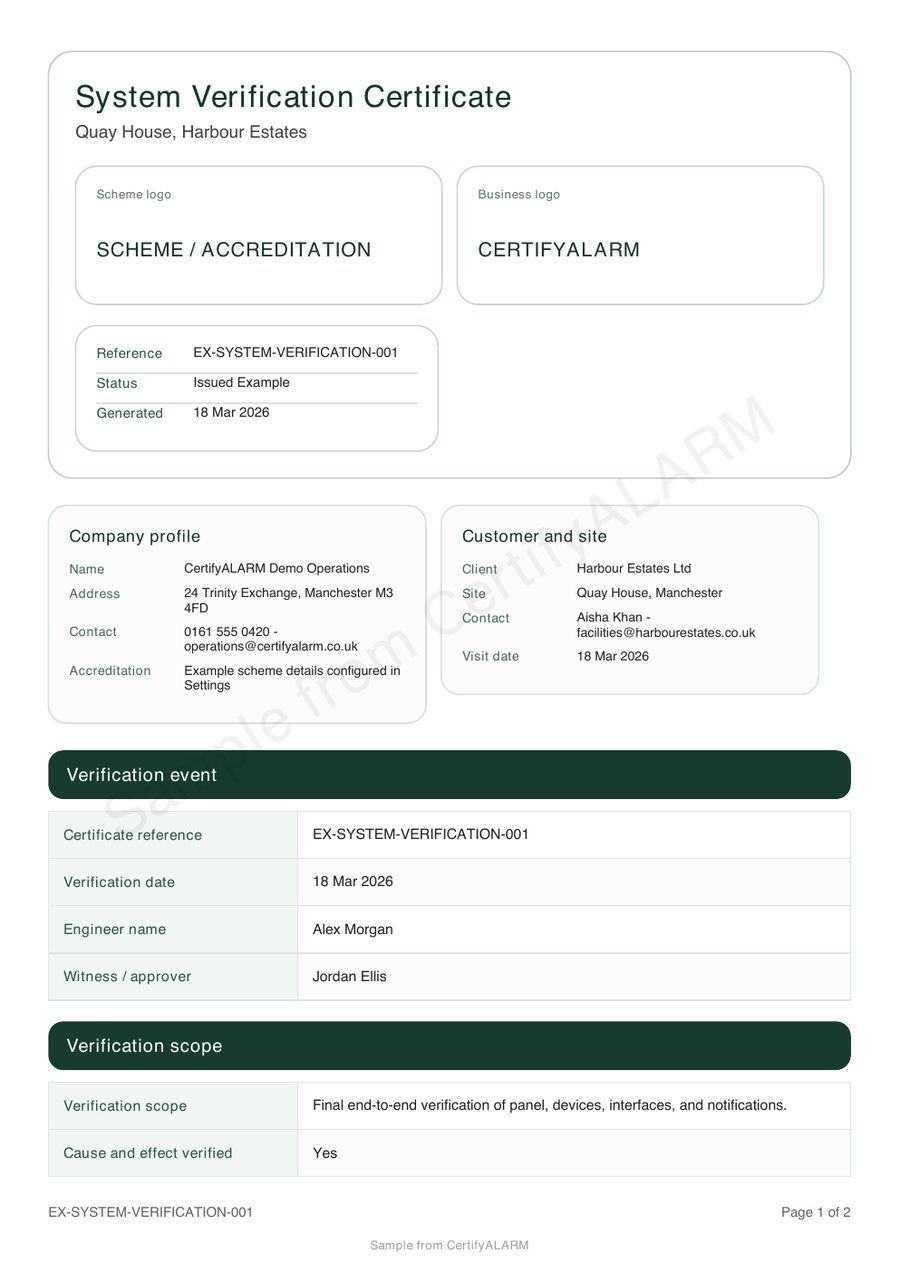
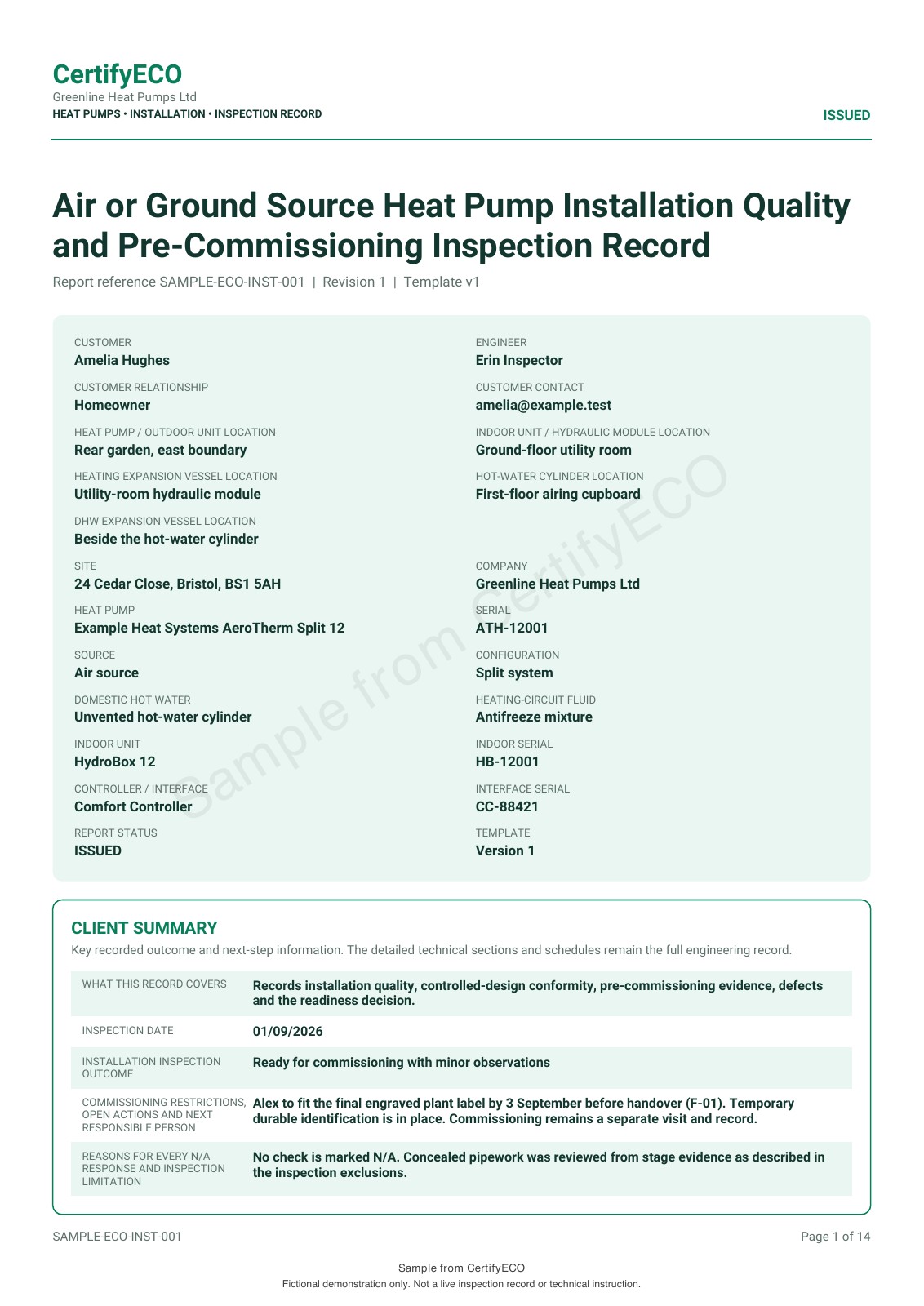
The sample family includes fire alarm and renewable installation records as well as gas, electrical, PAT, fire and lighting documents. A sample establishes output format; it does not prove every workflow or import requirement.
Check three things before changing your main workflow.
- The required document is available.
Confirm the exact record type, device and version. Do not infer coverage from a sample of another document.
- A representative job works from start to handover.
Try realistic detail, review the output, check the permitted correction process and find the record again.
- The business arrangements fit.
Confirm users, price, limits, branding, exports and any essential support or integration requirement.
Evaluate with your team and intended recipient.
For a team, include someone who creates the record and someone who checks the finished PDF. Use example data where possible. Compare the details that usually take time, such as repeated equipment, long descriptions or a multi-page schedule.
Note the questions you cannot answer during the trial. Use a focused walkthrough for those questions instead of relying on assumptions about an import, printer or team permission.
Treat the archive move as a separate decision.
Do not close the old account before you have confirmed access to the records you need. A PDF archive, a customer list and editable historical records are different things; the existence of an export does not guarantee it can be imported into another system.
The migration guide covers planning and retaining the source archive. This page helps decide whether the product is worth switching to; migration requirements need their own confirmation.
Proceed, pause or keep the current system.
Proceed when the important workflow and commercial requirements are confirmed. Pause if a required document, device or export is still unverified. Keep the current system if the evaluation does not demonstrate enough benefit for your business.
To evaluate CertifyApps, match your trade to an app, review its plan route and request free starter access. Each product has its own access and plan details.
Before you choose
Will all my old certificates import as editable records?
Do not assume that. Confirm the source format, document types and supported import process before planning the move.
Should I cancel my current subscription first?
Keep the access and exports your business needs until the replacement workflow and archive arrangements are confirmed. Check the existing provider's terms and billing process.
Does CertifyApps offer a buyout or guaranteed saving?
This guide does not promise a contract buyout, migration service or financial saving. Ask about any specific commercial requirement and compare confirmed terms.