
Fire safety documentation for professionals
CertifyFIRE
Turn your assessment and inspection findings into a clear customer report. CertifyFIRE helps fire safety professionals organise premises information, evidence and actions without rebuilding the document for each job.
Show the finding and the action, not just a report title
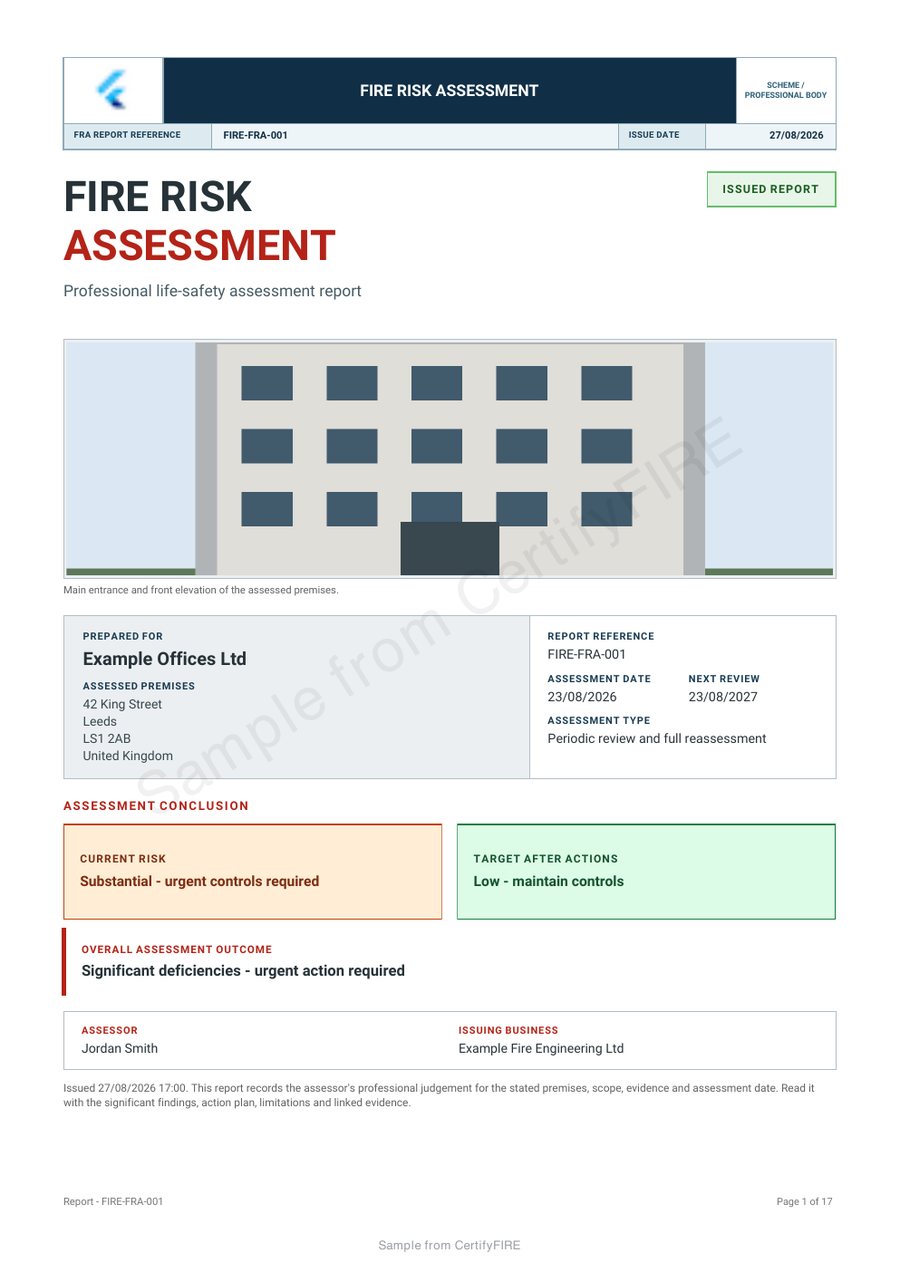
Inspect the existing fire risk assessment sample, including its premises information, recorded findings and action detail. Open every relevant page before comparing the output with your own handover requirements.
Make the document work for your business
Keep the assessment scope clear
Identify the premises and the work being recorded so the reader can distinguish the assessment from other visits or specialist inspections.
Connect findings with their locations
Structured records help the recipient follow the issue, its supporting information and the assessor's recorded recommendation.
Make the customer handover useful
Present the report under your business identity and keep actions understandable for the person coordinating the response.
Choose the report for the fire safety work
Start with the document you need to issue. A fire risk assessment, a fire door inspection and an equipment maintenance record are different pieces of work, even when they concern the same building.
The sample on this page is a fire risk assessment. For other CertifyFIRE document types, describe the inspection, survey or equipment work and confirm the exact workflow available to your device and plan.
Explore the fire risk assessment workflow. For specialist alarm-system documents, also compare CertifyAlarm.
From recorded findings to an understandable handover
- Identify the premises and assessment scope
Keep the site details, instruction and scope of the professional’s work together.
- Record the finding and its evidence
Use clear locations and references. Add the actual recommendation, priority and supporting detail through the appropriate record fields.
- Review the report and actions
Check that the recipient can connect an action to the finding it concerns, then issue the reviewed document.
A recorded action is not proof that the action has been completed. Keep the issued findings distinct from later follow-up evidence.
Evaluate the report from the recipient's point of view
Try a fictional premises with several areas and a longer finding. Review whether someone who was not at the visit could identify the location and understand the assessor’s recommendation from the finished PDF.
Use the fire risk assessment action handover guide to check the relationship between findings, responsibility and later updates.
The professional assessor or engineer creates the record. A responsible person, building manager or other customer can receive the PDF without subscribing to CertifyFIRE.
Your company, your document style
Make the issuing business clear with company details and the supported logo and colour choices. Keep the report's scope, findings and priorities more prominent than decorative branding. Available controls depend on the report and plan.
Use only company, scheme or accreditation marks you are entitled to display. A professional layout is not an independent endorsement of the work.
Explore the branding guide or compare sample PDFs across the family.
Before you choose
Does CertifyFIRE carry out the fire risk assessment?
No. The professional carries out the assessment or inspection, records the evidence and remains responsible for the judgement and recommendations. CertifyFIRE supports the record and document workflow.
Does issuing a report mean all its actions are complete?
No. The report records its stated findings and recommendations. Completion needs separate, appropriate evidence from the work or follow-up process.
Does this sample prove every fire report is available?
No. It demonstrates one fire risk assessment export. Confirm the exact inspection, survey or equipment record required before choosing the app version and plan.
Should I choose CertifyFIRE or CertifyAlarm?
Begin with the document you need. CertifyFIRE covers fire safety assessment and inspection records; CertifyAlarm is the specialist alarm-document product. Confirm the exact form and scope where your business does both types of work.
What does the CertifyFIRE Free starter include?
The Free starter offer covers all seven Certify apps. Confirm the current CertifyFIRE document allowance, device availability and included features through its access or pricing route. Prices and limits published for CertifyPAT do not automatically apply to this app.
Does requesting access create an account or start a subscription?
No. The website route sends an enquiry. Direct signup and checkout destinations are not connected yet. The team can provide relevant access and plan information; you should review the actual purchase terms before subscribing.
Try the document your working day depends on
Request CertifyFIRE access and tell us about fire assessments, inspections, surveys or equipment records. Include your device and the number of professionals who will create records so the team can confirm the relevant access and plan details.
This sends an enquiry, not a registration or payment. You can also email [email protected].
Work across several trades? Compare all seven Certify apps or discuss your professional team. Confirm the products and user arrangements you need; do not assume one plan includes the entire family.
Start with CertifyFIRE
CertifyFIRE
Direct link coming soon
Need access or plan information now? Request help from the team.