
Commercial premises and trade teams
Trade records that identify the right unit, system and work.
Commercial premises can involve owners, managing agents, occupiers and several contractors. Clear documents help each recipient understand what was recorded and where. CertifyApps is used by the professionals creating that output.
Identify the customer and work location separately.
The instructing business may differ from the occupier of a unit. Agree the correct company, site and system references before the visit so the document can be associated with the right instruction.
For multi-occupancy premises, make the scope clear. A report about a particular unit, installation or shared area should not be mistaken for a record covering every part of the property.
Compare detailed inspection and installation records.
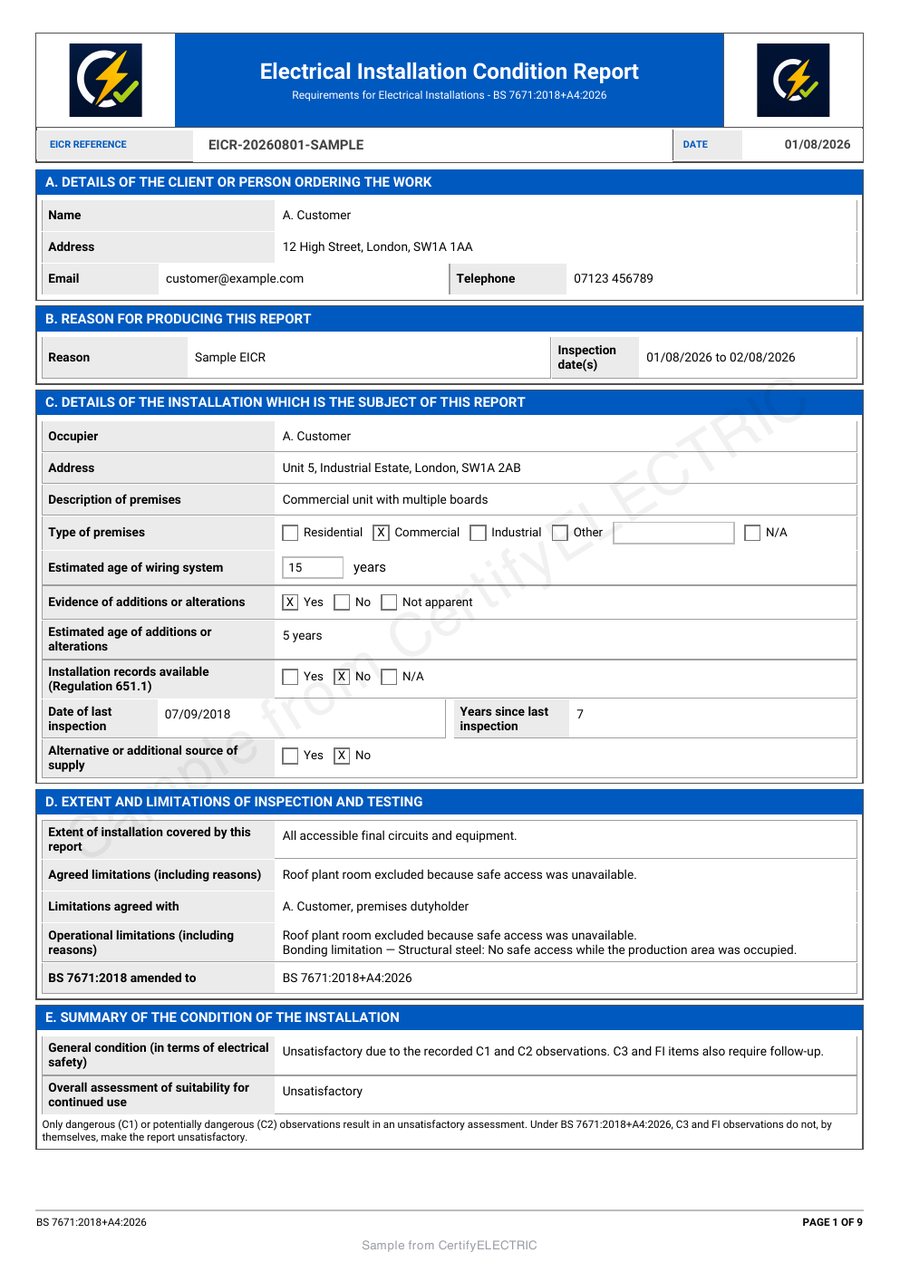
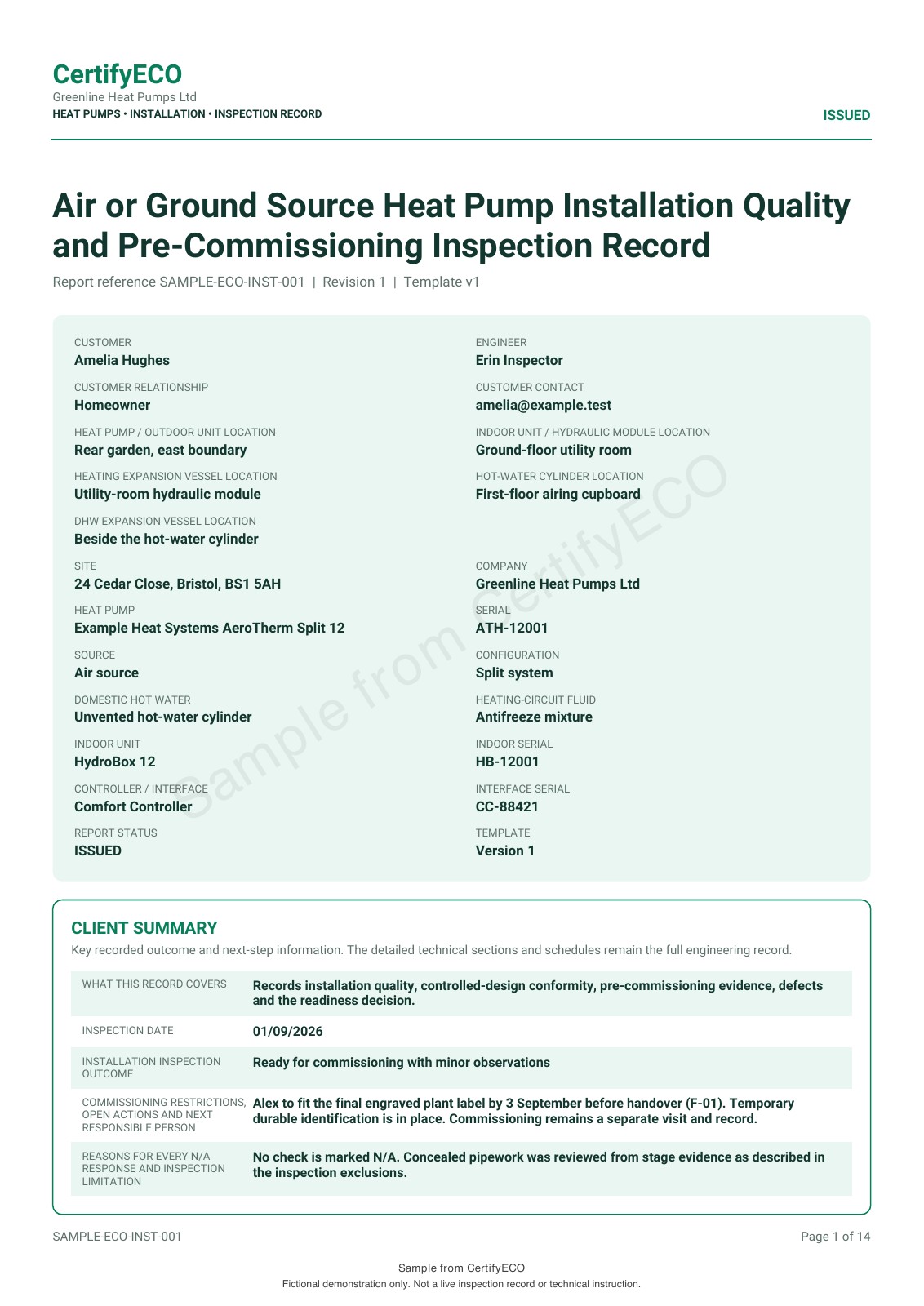
The electrical and heat pump examples show different types of customer handover. Match the sample to the work being commissioned, rather than assuming one record covers the building as a whole.
Agree what the contractor will hand over.
Specify the document type, recipient and references needed for your own filing process. Review the full issued PDF, including schedules and observations. If something is unclear, ask the issuing professional to explain the record.
CertifyApps samples demonstrate layout and output using fictional examples. They do not validate a contractor’s work or replace your organisation’s review and follow-up arrangements.
No subscription is needed just to receive the PDF.
A property manager, owner or tenant can receive the completed document without buying an app account. The contractor chooses software for its own professional workflow.
When your organisation employs the engineers directly, review the apps for those users. Company logos and available colour controls can help present the issuing business consistently, while the technical information remains readable.
Check the boundary with your existing property systems.
CertifyApps focuses on certificates, reports and records. Do not assume it replaces lease management, contractor procurement, a facilities helpdesk or your document repository. Confirm any essential integration or export requirement before adoption.
For internal engineering teams, use the rollout guide. For record preparation and retention during a change of software, see migration. The app family has separate routes for each trade.
Before you choose
Can the property manager read the document without a licence?
Yes. A recipient can receive and read the exported PDF without an app subscription.
Does a sample report cover all systems in a building?
No. Each sample demonstrates a particular document using example data. Select and review the record required for the actual work and scope.
Is contractor procurement included?
CertifyApps is documentation software, not a contractor-booking or procurement service.
Ask about software for your own engineers
Include the disciplines, document creators and any essential system requirements. If you commission external contractors and only receive their PDFs, no app subscription is needed for that handover.
This sends an enquiry to the team. It does not create an app account, start a subscription or book an inspection.
Prefer email? [email protected]