
Compare your documentation workflow
Compare the whole job, not the length of a feature list.
The useful comparison runs from recording the work to sending a readable customer document and finding it later. Use the same representative job to assess your current method and any software you are considering.
Define what a successful record looks like.
Choose a document you regularly issue. Include a longer note, a realistic schedule and the business details your customer needs. Write down the essential requirements before comparing additional features.
This is a CertifyApps-authored evaluation guide, not an independent ranking or a tested feature comparison of named competitors. Features differ between products, versions and plans; check the current details with each provider.
Compare working methods
| Working method | Where it may fit | What to verify |
|---|---|---|
| Paper forms | An established process using physical forms and handwritten records. | Legibility, correcting an entry, making customer copies and locating the issued record later. |
| Spreadsheets | Flexible lists, calculations and a document layout your business maintains. | Template ownership, version control, long schedules and how the finished customer document exports. |
| General business software | A wider process for customers, tasks or operations alongside document work. | The exact trade forms, specialist schedules and customer output. Do not assume these are included. |
| Specialist trade apps, including CertifyApps | Structured recording and output for a defined trade or document type. | Your required document, device, real-job workflow, plan limits, branding, archive and export needs. |
Use the current details for the particular product, document and plan. This guide does not establish feature parity or measured performance across providers.
Use the customer output as part of your comparison.
These are app-generated CertifyApps samples, not competitor documents. Review the detailed pages and create a representative record in the product you are evaluating before making a decision.
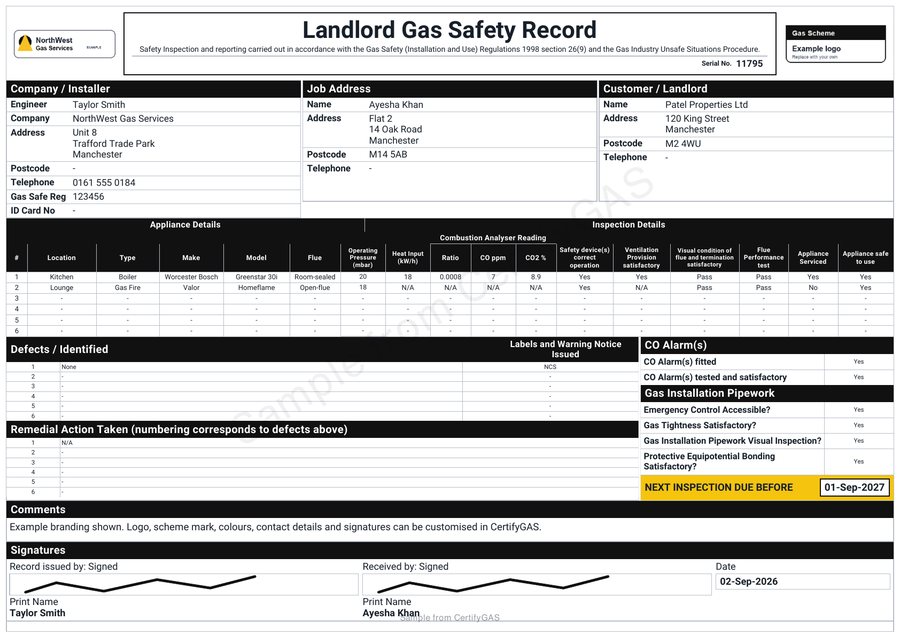
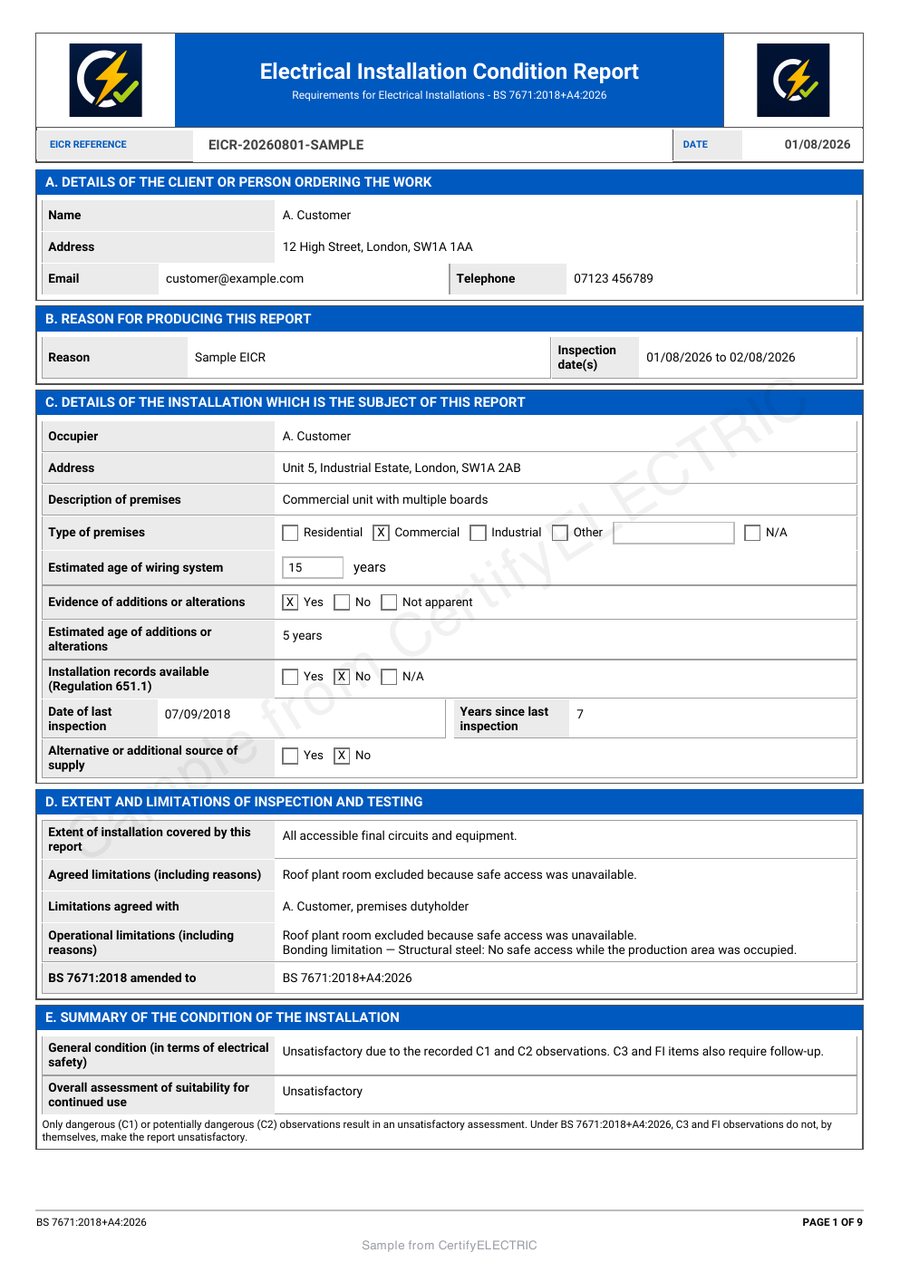
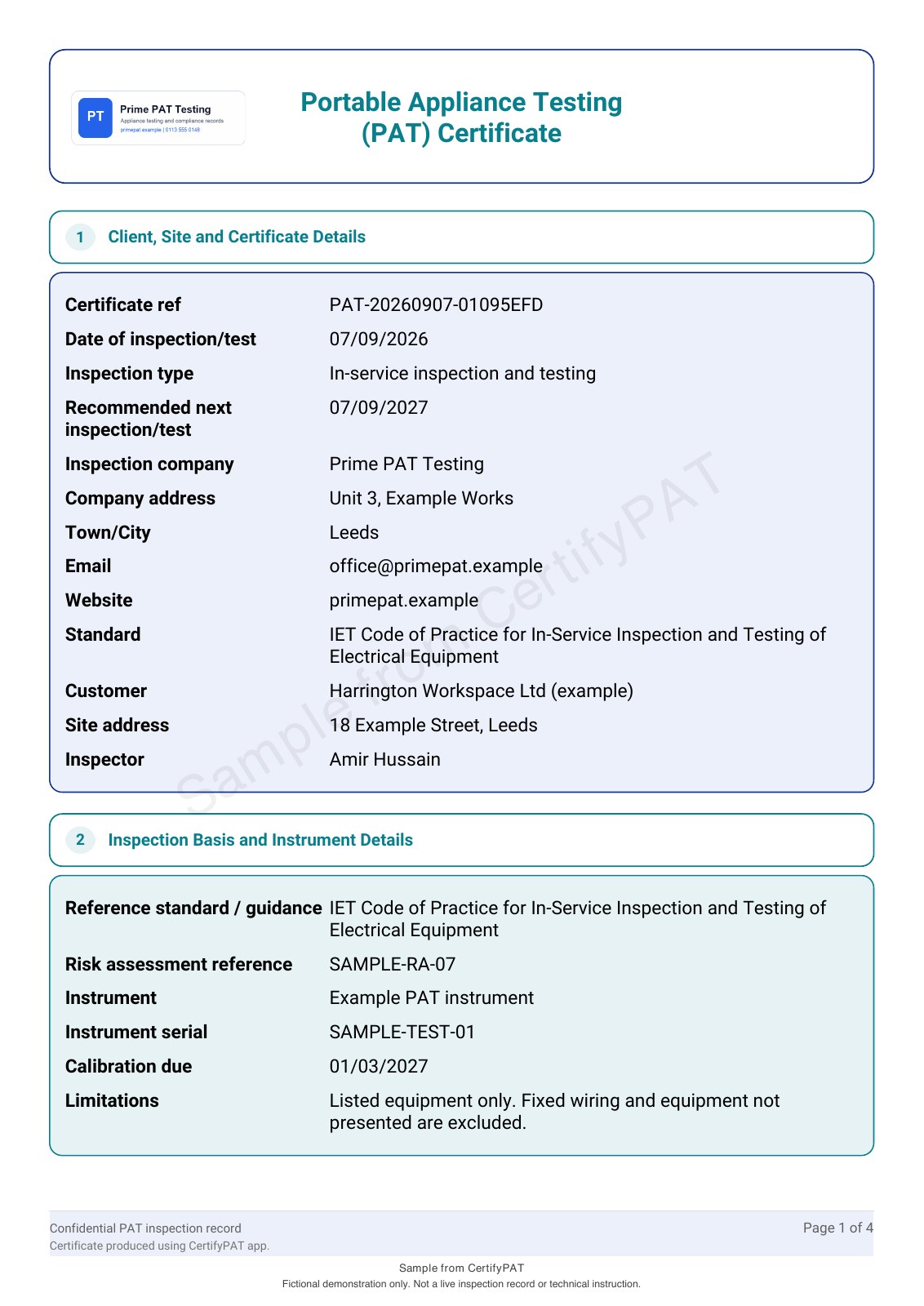
Measure effort at the points where work repeats.
- How many times do you enter the same customer or site details?
- Can you review a long schedule without losing the context?
- How do you correct an entry before issue and handle a later amendment?
- Does the customer PDF stay readable when descriptions are long?
- Can the authorised person find the issued version and export what the business needs?
Record the time and corrections from your own evaluation. A shorter form is not necessarily quicker overall if it creates more work during review or handover.
Compare the commercial and operational details too.
Check the number of users, devices, document limits, branding controls, billing period and cancellation route. Confirm import, export, access and support requirements that would affect your business. Do not assume a feature available in one app exists in every product in its family.
For CertifyApps, use the app-specific plan routes and data questions. For the test itself, follow the software evaluation guide.
Choose the next step for your starting point.
If you currently use paper, read the paper-to-digital guide. If your process centres on spreadsheets, review the spreadsheet comparison. If you already pay for certificate software, use the switching decision guide before changing subscriptions.
Free starter options cover the CertifyApps family. Request access for the app and device you want to evaluate; the website enquiry does not start a paid plan.
Before you choose
Are these results from testing every competing app?
No. This is a workflow evaluation framework published by CertifyApps. It does not make feature or performance claims about named competitors.
Should the cheapest subscription decide the comparison?
Compare price with the users, limits and work involved in producing the complete document. Use your own workload and verified plan details rather than an assumed saving.
Can we evaluate before moving our existing records?
Yes. Start with a representative example, keep the existing archive accessible and confirm the supported data move separately.